Photo try-on
The shopper's own photo, with your garment on them: their pose, face and background kept, only the clothes changed.
- About two seconds from tap to picture
- Tops, bottoms and one-pieces
- A size recommendation from your size chart
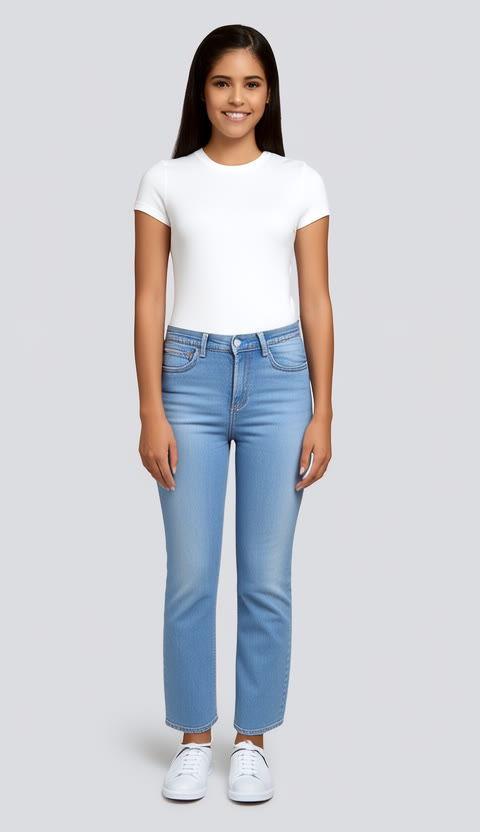
Shoppers add one photo and see themselves wearing your product in about two seconds. Then they can watch themselves turn in it, or try it live in their own camera. One script tag on your product pages, or an API for your own checkout.
The shopper's own photo, with your garment on them: their pose, face and background kept, only the clothes changed.
From the finished try-on, a slow-motion film of the shopper in your garment on a clean studio backdrop, whatever room their photo was taken in: a natural turn to each side and round to the back, then back to face the camera.
Shoppers open their camera and see themselves wearing it, photoreal, moving as they move. Nothing is recorded.

One photoStanding, facing the camera, in good light. That's all the shopper adds.
Every picture and clip in the studio was made by the same pipeline your shoppers use, on generated people. The live mirror recordings are real streams, shown with the sharper rendering we are rolling out.
Alongside every try-on, shoppers see the size to buy and why. We compare their measurements with your size chart, allowing for how the item is cut and how much the fabric gives.
Body or garment measurements, in cm or inches, single numbers or ranges like 37–38. Import a spreadsheet or your Shopify catalogue.
They type their measurements once, or we read them from their photo and keep only the numbers. You see the size, never the measurements.
Each answer has a confidence. When a chart is thin, the shopper sees "likely M", not "your size is M". Report what was kept, and the dashboard shows how often we were right.
Your size: M
M fits as designed. L would fit too, with more room.
No overlays or stickers on a photo. Each product is drawn by a generative model trained on how bodies, fabric and light behave, the same kind of technology behind today's AI video.
Photos are dressed by a model built only for virtual try-on, with automatic fallbacks behind it, so one outage never stops your try-ons.
Videos and the live mirror come from state-of-the-art video generation, set up for clothing on bodies in motion and running on NVIDIA H100 GPUs we operate.
The live mirror generates video in short chunks as the camera streams, with computer vision finding the garment in every frame, so the picture keeps up with the shopper.
Photos are moderated before any compute, kept in a private bucket behind expiring links and deleted within 24 hours. Live mirror frames are never stored.
Paste the tag into your theme and a Try it on button appears next to Add to cart, only on products you've made live. Or call the API from your own checkout.
<!-- your product page -->
<script src="https://tryon.vidrip.app/widget.js"
data-key="vp_…" defer></script>
// or from your server
POST /api/v1/tryons
{ "person_image": "https://…/shopper.jpg",
"sku": "TEE-001", "customer_ref": "c_8812" }
→ 202, then the webhook:
tryon.completed { "image_url": "…", "size": { "recommended_size": "M" } }Size advice and shopper profiles are on every plan; videos start at Starter and the live mirror at Growth. Failed try-ons and videos are never charged, and the same photo with the same product within a week is free.
25 photo try-ons a month. Upgrade when shoppers want more.
Includes 500 try-ons and 5 videos a month.
Includes 3,000 try-ons, 40 videos and 60 live mirror minutes.
Includes 15,000 try-ons, 200 videos and 500 live mirror minutes.
A live mirror GPU reserved for your shoppers, 100,000 try-ons and 1,500 videos a month, several stores, an SLA and invoicing.
Prices in US dollars, billed monthly by Stripe. Test mode is free with every product on. Live mirror minutes are counted per started minute; streams under ten seconds are free.